Home
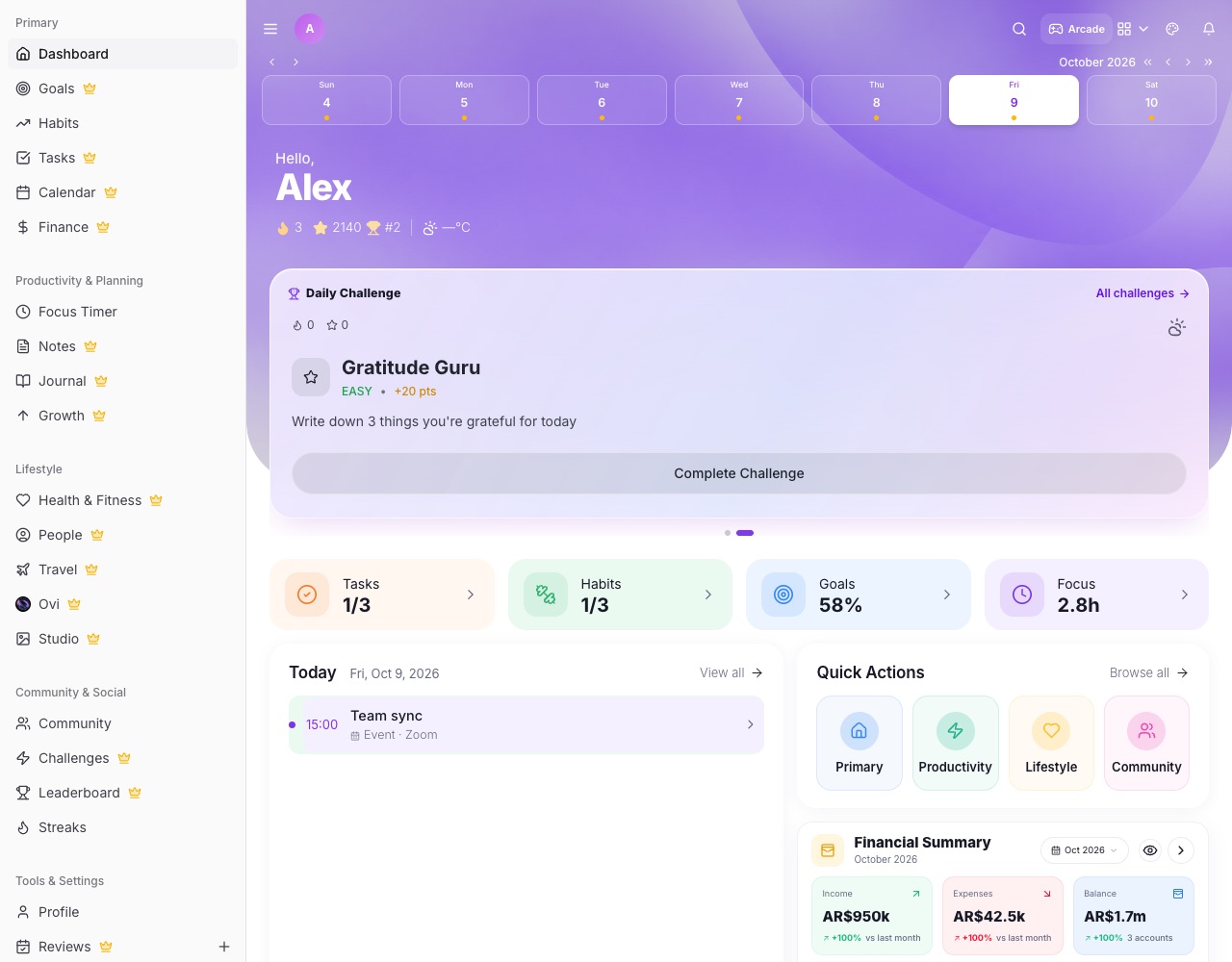
Home is the first page you see. It brings together today's tasks, events, habits, money and more, and Ovi sums up what needs your attention.
The Ovi card
The first card on Home is a short briefing across all your areas.
- What needs attention first Overdue tasks, today's events, trips, Circle activity, goals, habits, steps, focus, spending, people to reach out to and your leaderboard spot. Things that need attention come first, wins follow.
- Tap a line Every line opens its page. The action button starts an Ovi chat about the top item.
- Swipe for the Daily Challenge The card is a slider: the next slide is today's Daily Challenge. It moves on by itself every few seconds and pauses when you touch it.
Below the Ovi card
- Quick Actions Four folders (Primary, Productivity, Lifestyle, Community). Open one to reach its tools; Browse all opens More.
- Financial Summary This month's money at a glance. The eye button hides every amount on Home and Finance at once.
- Today's cards Tasks, events, habits and other areas each have a card. Tap one to open the full page.