Goals
Goals is where you commit to the outcomes that matter. Each goal tracks its progress one clear way, so you always know what moves it forward.
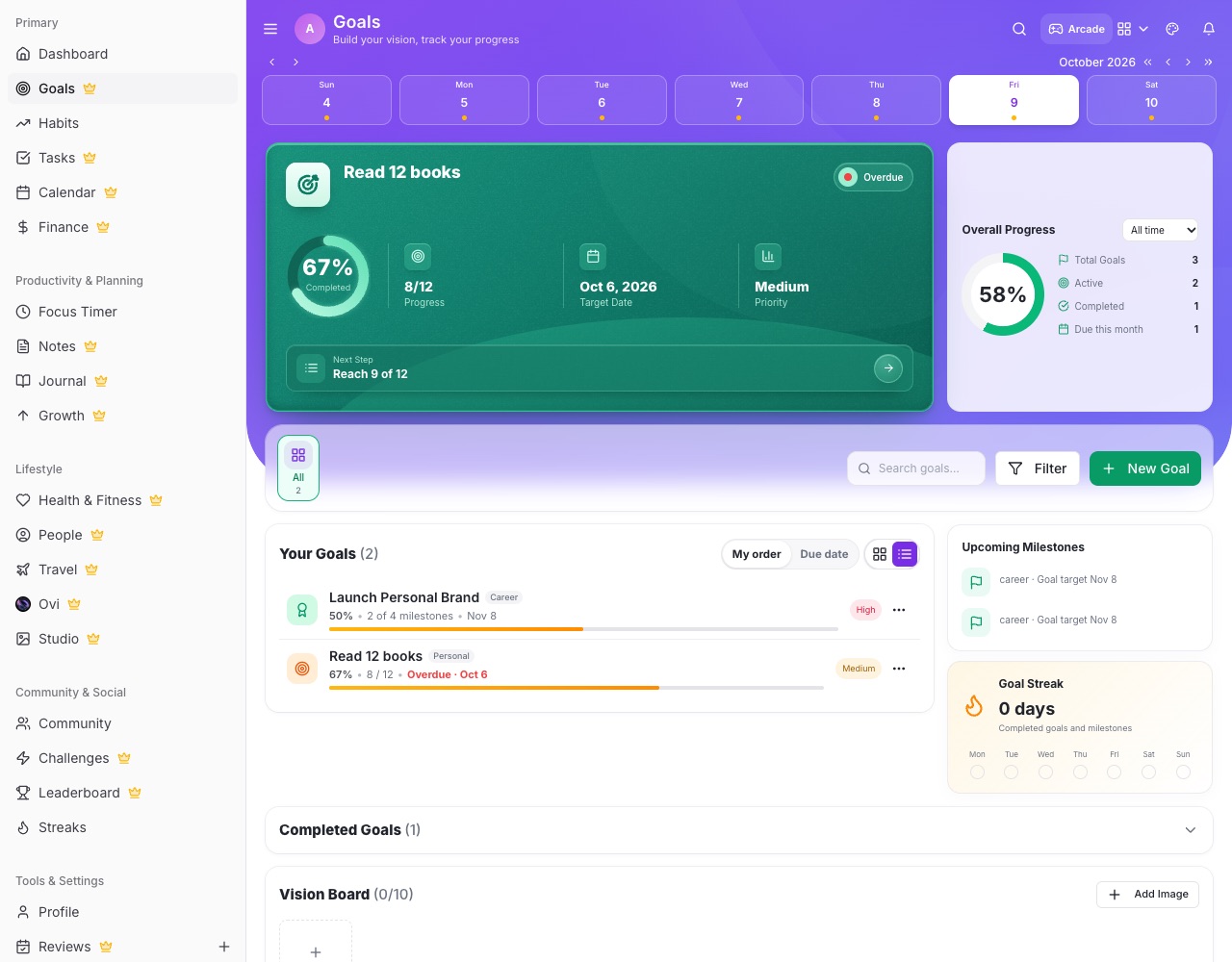
Create a goal
- Add Goal The button sits on the toolbar beside search, filter and categories. Give the goal a title, category and target date.
- Track progress by Choose one: Milestones (a checklist), Number (for example 8 of 12 books), Linked items (tasks and habits) or Just done / not done.
Working on a goal
- Open a goal Tap a goal to tick milestones, step its number, see linked items, or mark it complete.
- Challenges count too Challenges you've joined show in Goals with a 🤝 so everything you're working on is in one list.
- Vision board Pin pictures of what you're working towards at the bottom of the page.