Health & Fitness
Health brings your body's numbers together: what you eat and drink, how you feel, your weight and BMI, workouts, and steps and sleep from your phone.
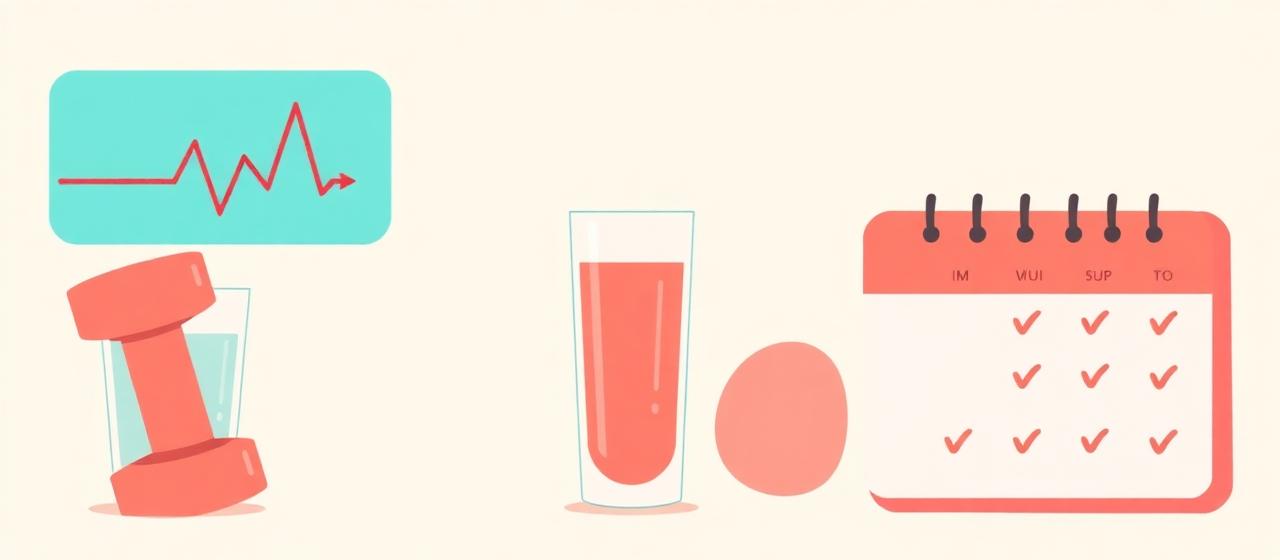
Quick Actions
- Log in one tap Quick Actions sit beside the hero on a computer (under Calories on a phone). Use + Add to choose which tools show.
- Water and drinks Log water opens the drink logger: pick the drink and the amount.
- Meals Type the calories straight in, or open the Calorie Calculator for help.
Your cards
- Weight & Height Your latest weight, height and BMI.
- Mood Counter Tap a face to save how you feel, plus a 1–10 energy level. Each mood shows its 30-day count.
- Health Goals Targets for calories, water, weight (against the healthy range for your height) and BMI.
- Health Analytics Trends for Metrics, Meals, Activity and Mood.
Workouts and sharing
- Workout plans Build plans at /workout-plans. Edit any exercise's name, sets, reps and notes, or remove it.
- Share cards Share Card makes a story-sized card for steps, a workout, water, energy, calories, mood or sleep, on your own photo or a colour theme.
- Apple Health on iPhone On an iPhone, tap Connect on the Apple Health card at the bottom of Health, then Add LifeO Health Sync. In Shortcuts tap Add Shortcut and Paste when it asks for your key. Your steps, active energy, sleep and weight then come into LifeO whenever the shortcut runs; a Time of Day automation in Shortcuts makes that happen on its own.