Notes & Lists
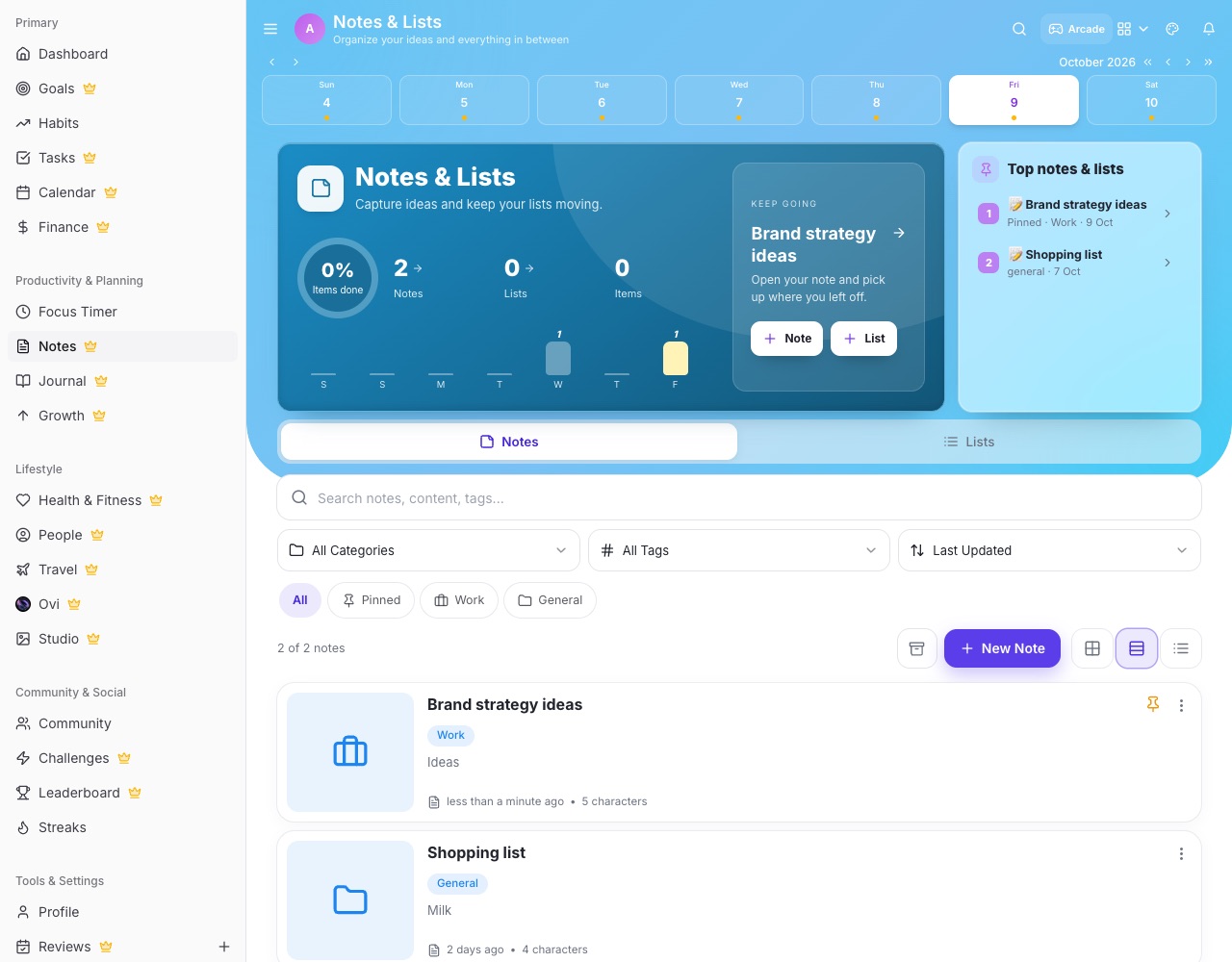
Notes & Lists is where you capture anything: rich notes with pictures, checklists, and folders of images.
Create
- Note or List The hero has Note and List buttons. Notes support headings, lists, links and images; lists are checklists.
- Drop images in Drop image files into a note's text to add them right there, or onto the media panel to upload them into a folder.
- Image folders Drag images onto a folder to move them, or onto the back button to move them up a level.
Share and recover
- Share link Share a note with a link anyone can open. Turn the link off to stop sharing.
- Trash Deleted notes go to Notes Trash (/notes/trash) where you can restore them.