Profile, Notifications & Settings
Manage your profile and account, choose how LifeO looks, and control your notifications.
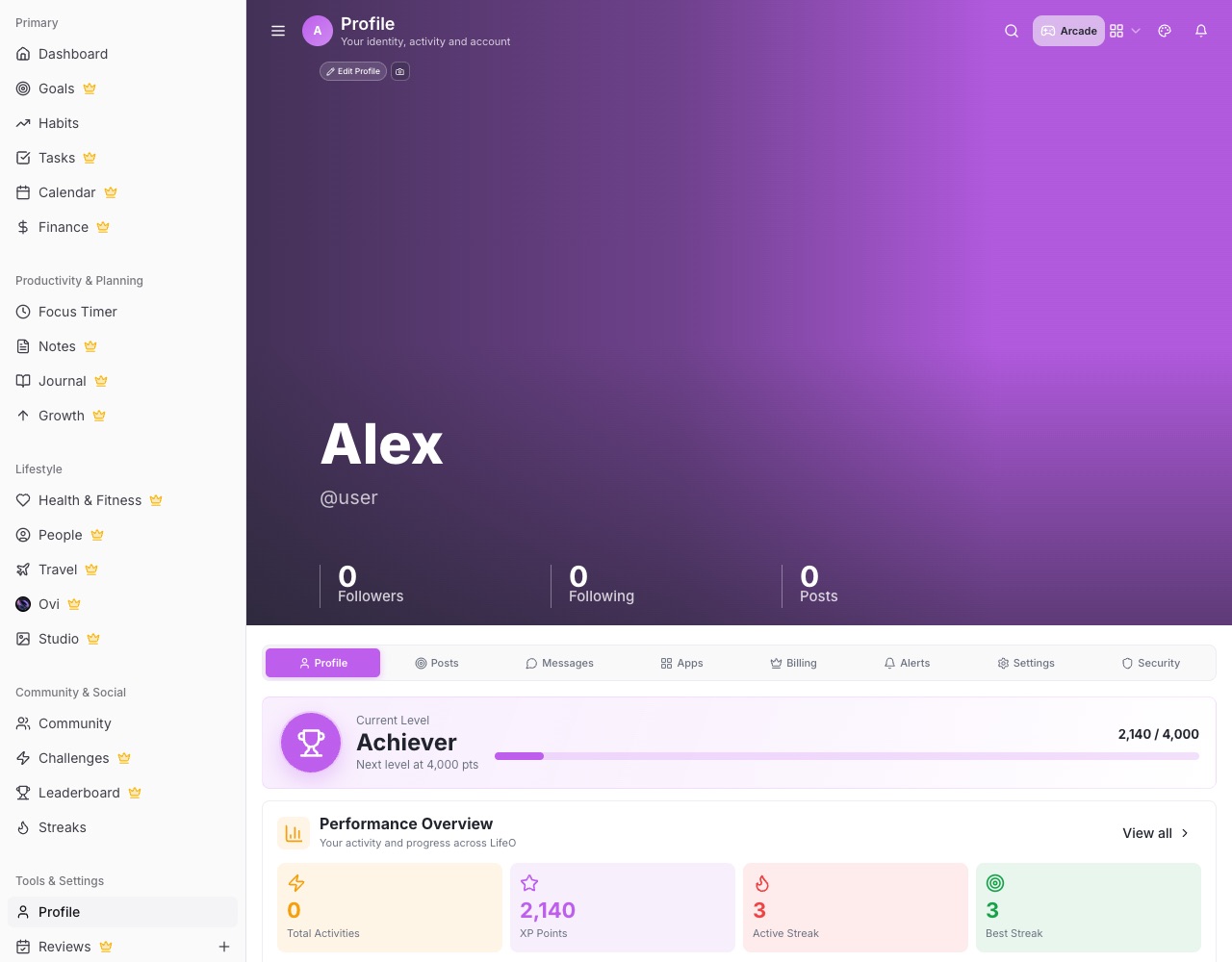
Your profile
- Overview Your level, performance, Trophy Cabinet, Status Levels, About, motto and goals. Other people see only your public details.
- Photo Change your photo and adjust how it's framed.
- Billing Your plan, Ovi credits and top-ups.
Appearance and language
- Themes The palette in the profile bar or Personalization changes the app's colours. Light and dark mode are there too.
- Language English, French, German and Spanish.
Notifications
- Check your setup Notifications (/notification-status) shows whether push works on this device and sends a test.
- If pushes stop Notification health (/notification-health) re-registers this device for push.
- Your account You can delete your account and data at /delete-account.