Calendar
Calendar holds your events and any custom calendars you create (Work, Family, Content…). Every calendar uses the same month, week, day and agenda views.
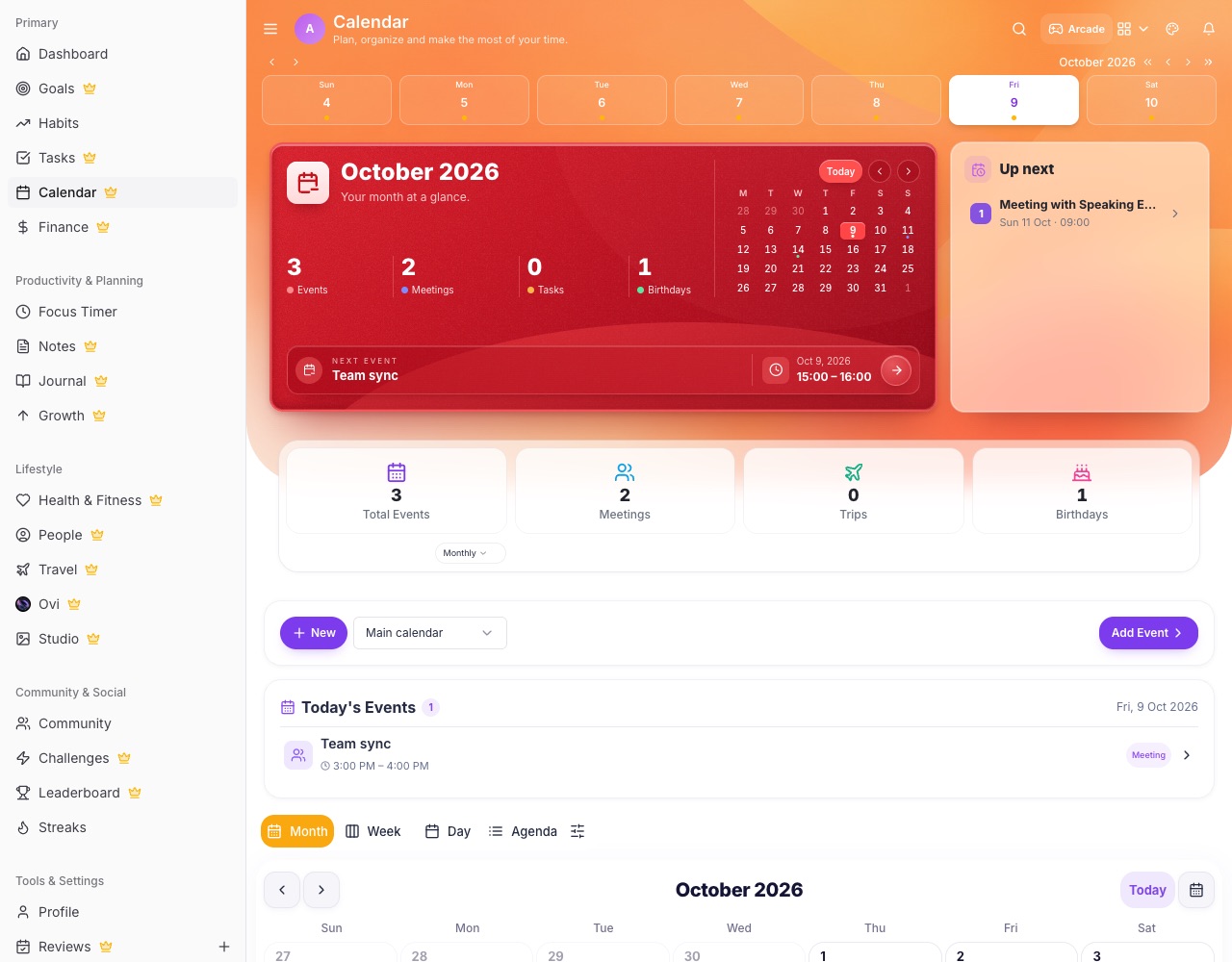
Views and events
- Switch view Month, Week, Day or Agenda. Tap a day to see its events in the list below.
- Add an event Use Add Event or tap an empty time. Set the time, repeat, reminders and a meeting link if you need one.
- Google Calendar Connect Google Calendar to see those events in LifeO too.
Custom calendars
- Pick a calendar The calendar picker switches between your main calendar and custom ones. A custom calendar keeps the same views, filtered to its items.
- Share it Beside the picker: share link, People & access, Edit, Duplicate and Delete. Only calendars you own or that were shared with you appear.
Booking pages
- Let people book you Create a booking page with its length, available days and times. People book at /book/your-link without an account, and bookings land on your calendar.