Tasks
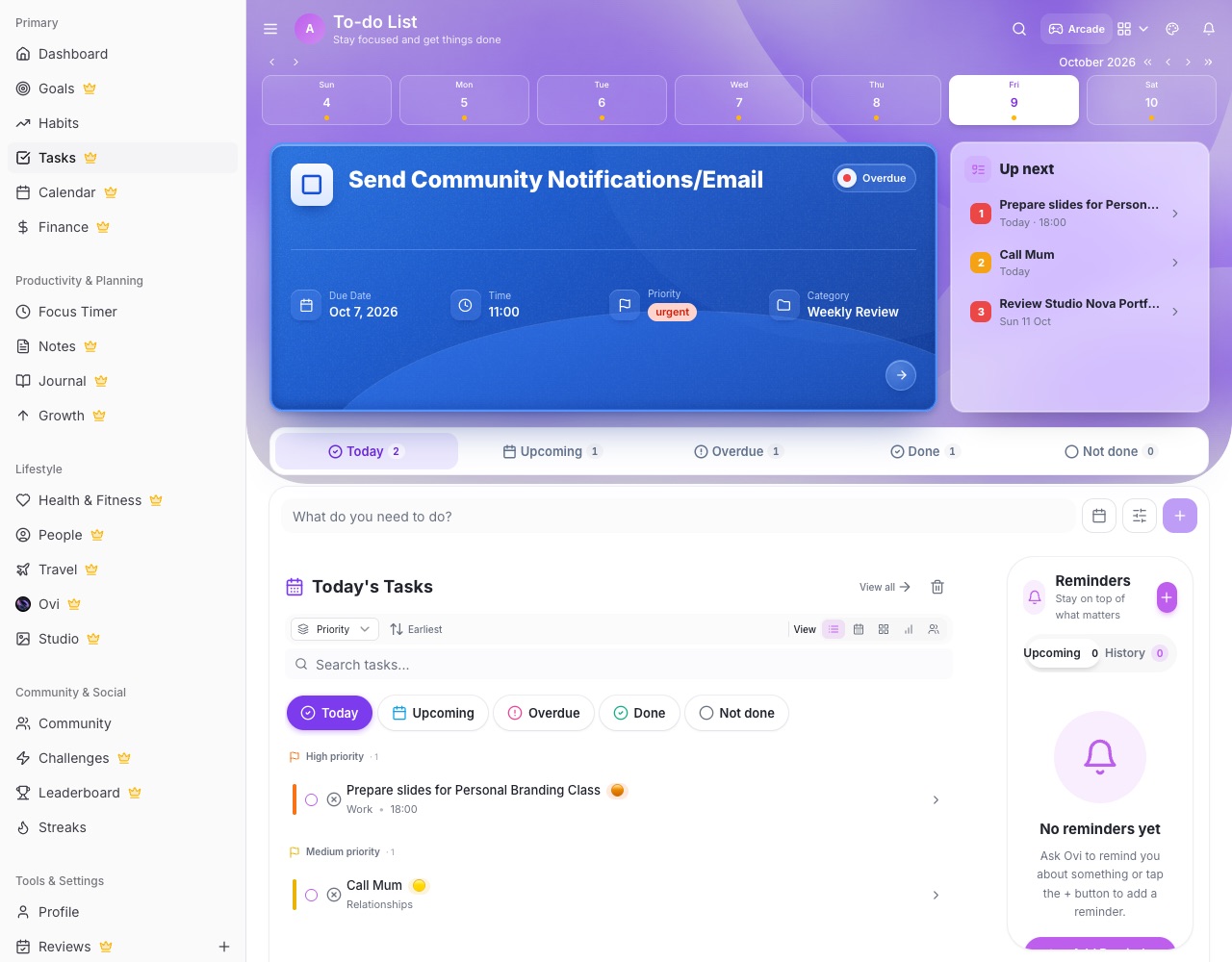
Tasks is your daily planner. Add tasks for any day, give them a priority and status, repeat them, and get back anything you delete.
Adding tasks
- Add a task Use the add button. Give it a title, date, time, priority, category and notes, and choose how it repeats if it should.
- Status Every task has a status: To do, In progress, Waiting, Done or Won't do. Set it when you add the task or change it later in Edit Task. In progress and Waiting show as a small pill on the row.
- Repeating tasks Pick daily, weekly, monthly or a custom repeat. The next one appears when you complete the current one.
Through the day
- Tick it off Tap the circle to complete a task. You earn points, and any challenge or goal it's linked to moves forward.
- Calendar link A task made from a calendar event follows it: when the event's date, time or name changes, the task moves too.
- Up next On a computer, the Up next card beside the hero lists what's coming.
Trash
- Deleted, not gone Deleted tasks go to Tasks Trash (/tasks/trash), where you can restore them.