Ovi, the AI assistant that knows your day
Ovi lives inside LifeO and sees your tasks, calendar, habits, goals and finances (only yours, only when you ask). Ask it to plan your week, sort your priorities or explain your spending, and act on the answer in one tap.
Start free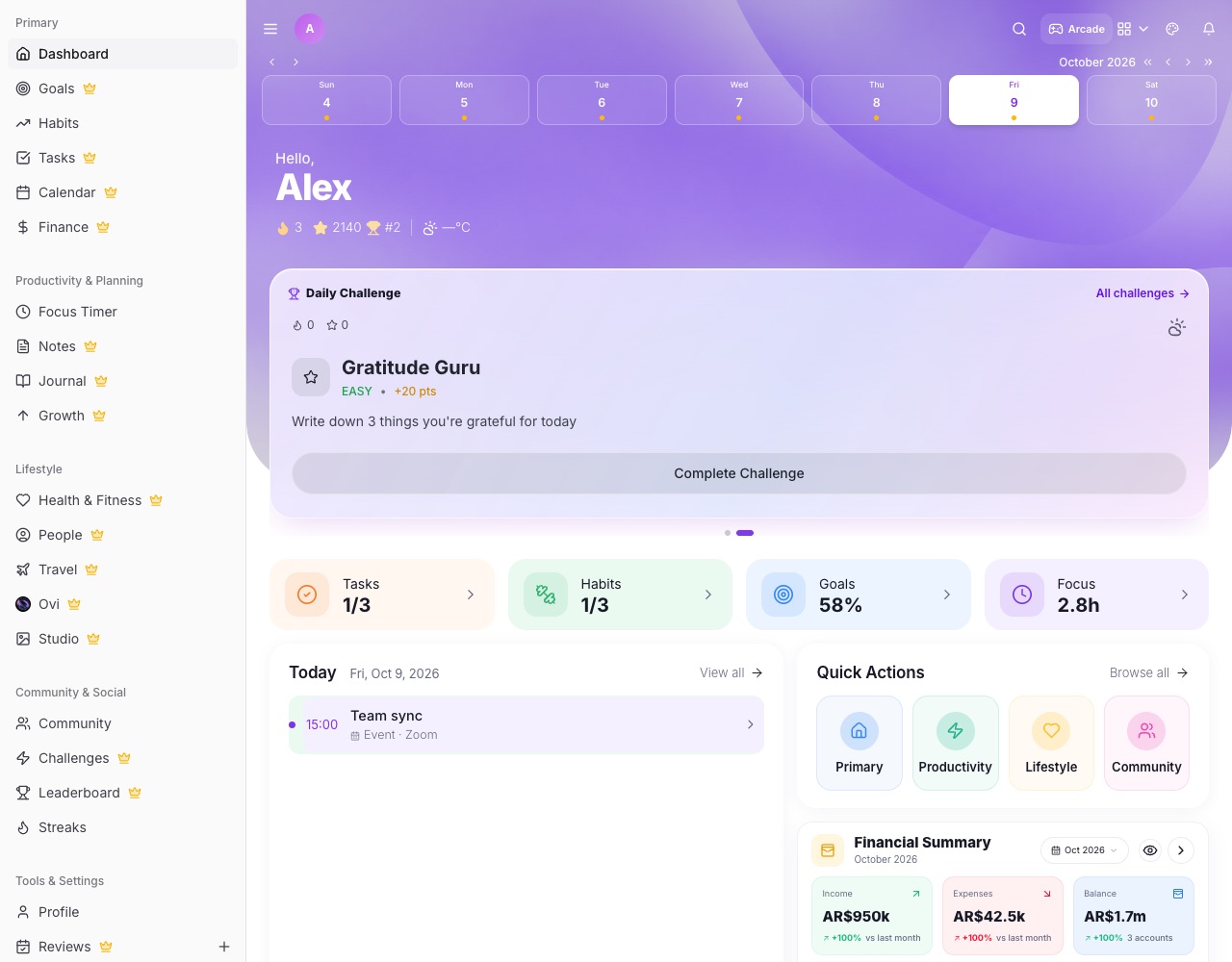
What you can do with LifeO
Plans your week
Tell Ovi what matters and it lays out your days around your events.
Daily briefings
Morning, mid-day and evening summaries with one-tap actions: finish, move or reschedule.
Knows your money
Ask how much you spent on food this month or whether you are on track with your budget.
Learning plans
Ovi can turn a book or course into chapters or modules with dates.
Writes for you
Draft a journal entry, a message or a plan to edit and save.
Private by design
Ovi only uses your LifeO data to answer you. It is never sold or used for advertising.
How it works
- Create a free account.
- Add a few tasks, events or habits.
- Ask Ovi a question or open your daily briefing.
- Act on the answer in one tap.
Questions people ask
Is Ovi free?
Every account includes a monthly number of Ovi requests. More are available with top-ups and plans.
What can Ovi see?
Only your own LifeO data, and only to answer your requests. It isn't used to train public models or for advertising.
Can Ovi send me reminders?
Yes. Ovi briefings arrive as notifications at the times you choose.
Does Ovi work in Business too?
Yes. Ask Ovi inside LifeO for Business about your workspace's tasks and projects.