Plan your day in 2 minutes
See today's tasks and events together, decide what matters and start a focus session with one tap. LifeO keeps your to-do list, calendar and focus time in one daily view.
Start free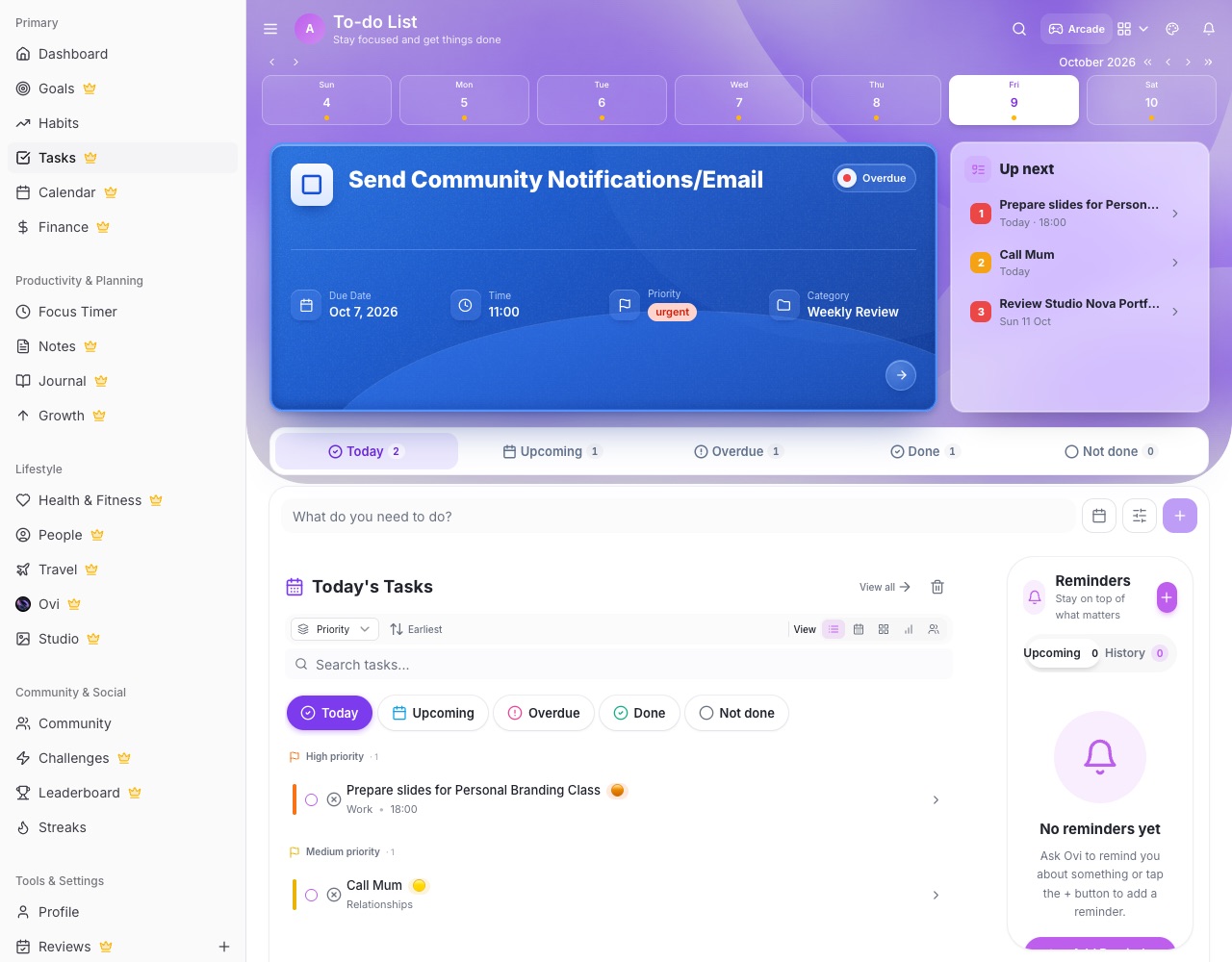
What you can do with LifeO
Tasks with priorities
Due dates, times, priorities, categories, repeats and statuses (to do, in progress, waiting, done).
Calendar that includes everything
Month, week, day and agenda views with your events, tasks, birthdays and Google Calendar.
Focus timer
Start a 25-minute focus session from any task and see your focus time by day and category.
Reminders that reach you
Notifications for tasks and events on your phone and computer.
Ovi daily briefings
A short morning, mid-day and evening briefing with one-tap actions to move or finish tasks.
Weekly review
Look back at your week and plan the next one.
How it works
- Create a free account.
- Add today's tasks and connect your calendar.
- Pick your top priorities.
- Start a focus session and tick tasks off.
Questions people ask
Can LifeO sync with Google Calendar?
Yes. Connect Google Calendar to see your events next to your tasks.
Does it work on phone and computer?
Yes. LifeO works in any browser and installs as an app on Android and iPhone, synced everywhere.
Can tasks repeat?
Yes. Tasks can repeat daily, weekly, monthly or yearly.
Is there a focus or Pomodoro timer?
Yes. The Focus timer runs 25-minute sessions (or any length) and records your focus history.