
Send a professional invoice in a minute
Create invoices with your logo, colours, bank details and VAT, pick the client from your CRM and share the PDF straight from your phone. LifeO keeps track of what has been paid and what is still outstanding.
Start your 7-day free trial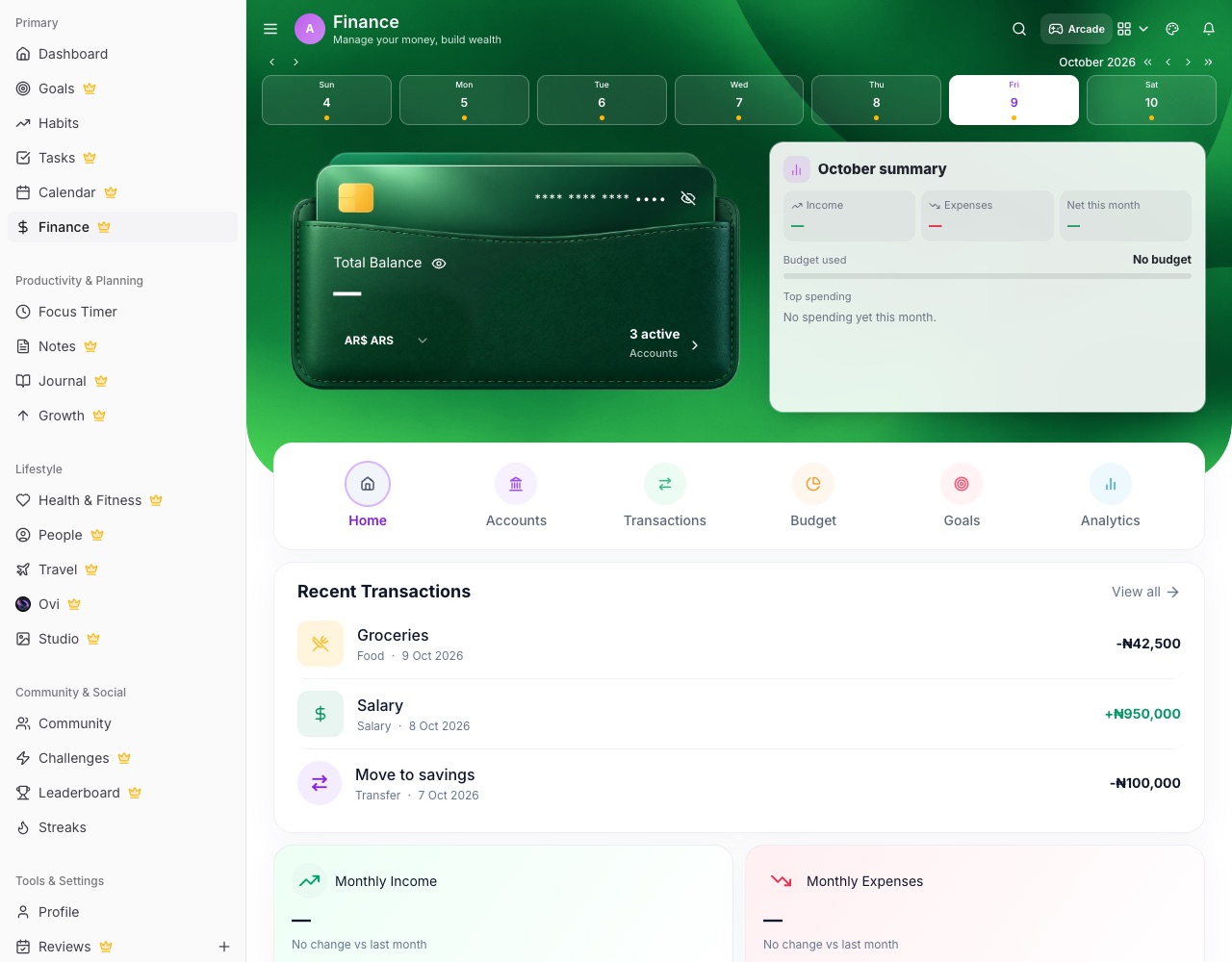
What you can do with LifeO
Your brand on every invoice
Logo, brand colour, address, bank details and VAT come from your business profile.
Bill a CRM contact
Choose a lead or deal and their name, company, email and address fill in.
Share the PDF anywhere
Share to WhatsApp, email or Files from your phone, or download it on a computer.
Paid and unpaid
See which invoices are paid and which are still waiting, right in Business Finance.
Any currency
Invoice in the currency your client pays in.
Connected to your finances
Invoices sit next to your revenue, expenses and profit.
How it works
- Create your business in LifeO and add your logo and bank details.
- Create an invoice and pick the client.
- Add the items and VAT.
- Share the PDF and mark it paid when the money arrives.
Questions people ask
Can I add my logo and bank details?
Yes. They come from your business profile and appear on every invoice.
Can I send the invoice on WhatsApp?
Yes. On a phone the PDF opens the share sheet, so you can send it on WhatsApp, email or save it to Files.
Does it add VAT?
Yes. Set your VAT percentage once and it is applied to your invoices.
Is the invoice generator part of LifeO for Business?
Yes, together with projects, tasks, CRM and finance.
Guides
More from LifeO
- Habit tracker app
- Goal setting app
- Budget app for Nigeria
- Daily planner app
- Family organizer app
- AI life assistant
- Finance tracker app
- To-do list app
- Calendar app
- Productivity app
- Business management software
- CRM for small business
- Team task management
- Focus timer app
- Journal app
- Notion alternative
- Todoist alternative