
The to-do list that keeps up with your day
Add a task in seconds, give it a date, time and priority, and LifeO reminds you before it is due. Repeat tasks daily, weekly, monthly or quarterly, break them into checklists and see them next to your calendar.
Start your 7-day free trial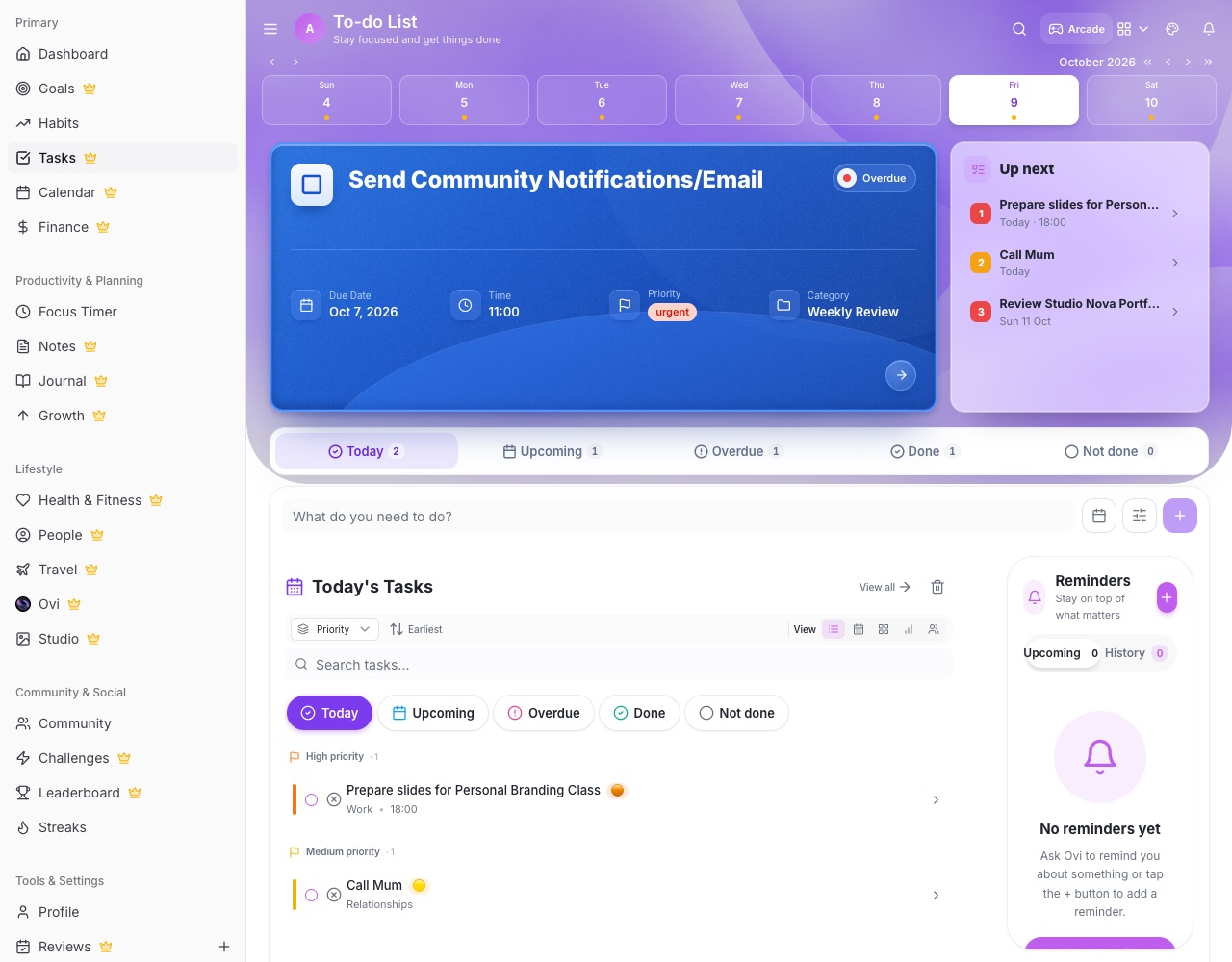
What you can do with LifeO
Reminders before it is due
A push a day before, an hour before and when the task is due, so nothing slips.
Repeating tasks
Daily, weekly, monthly, quarterly or yearly. Tick one off and the next one is ready.
Priorities and statuses
Mark tasks as To do, In progress, Waiting, Done or Won't do, with a priority colour on each.
Checklists inside tasks
Write steps in the description and tick them off one by one.
Tasks from your calendar and team
Calendar events can become today's tasks, and work assigned to you in Business or your family Circle shows up in the same list.
Sticky reminders
Quick reminders that sit beside your list for the little things.
How it works
- Create your LifeO account and start the 7-day free trial.
- Add your tasks for today with dates and times.
- Set priorities and repeats.
- Tick them off and plan tomorrow.
Questions people ask
Will LifeO remind me about my tasks?
Yes. Each open task gets a reminder a day before, an hour before and when it is due, on your phone or computer.
Can tasks repeat?
Yes: daily, weekly, monthly, quarterly or yearly. Finishing one adds the next occurrence.
Can I share tasks with my family or team?
Yes. Assign tasks in a family Circle or in LifeO for Business, and they appear in that person's own task list.
Does it work on my phone?
Yes. LifeO works on the web and as an app on Android and iPhone, and stays in sync.
Guides
More from LifeO
- Habit tracker app
- Goal setting app
- Budget app for Nigeria
- Daily planner app
- Family organizer app
- AI life assistant
- Finance tracker app
- Calendar app
- Productivity app
- Business management software
- CRM for small business
- Invoice generator
- Team task management
- Focus timer app
- Journal app
- Notion alternative
- Todoist alternative