
Know who is doing what, and when it is due
Give every task an owner (or several), a due date, a priority and a status. Your team sees their work in the Business task list and in their own personal to-do list, gets reminders before it is due and can comment and @mention each other on the task.
Start your 7-day free trial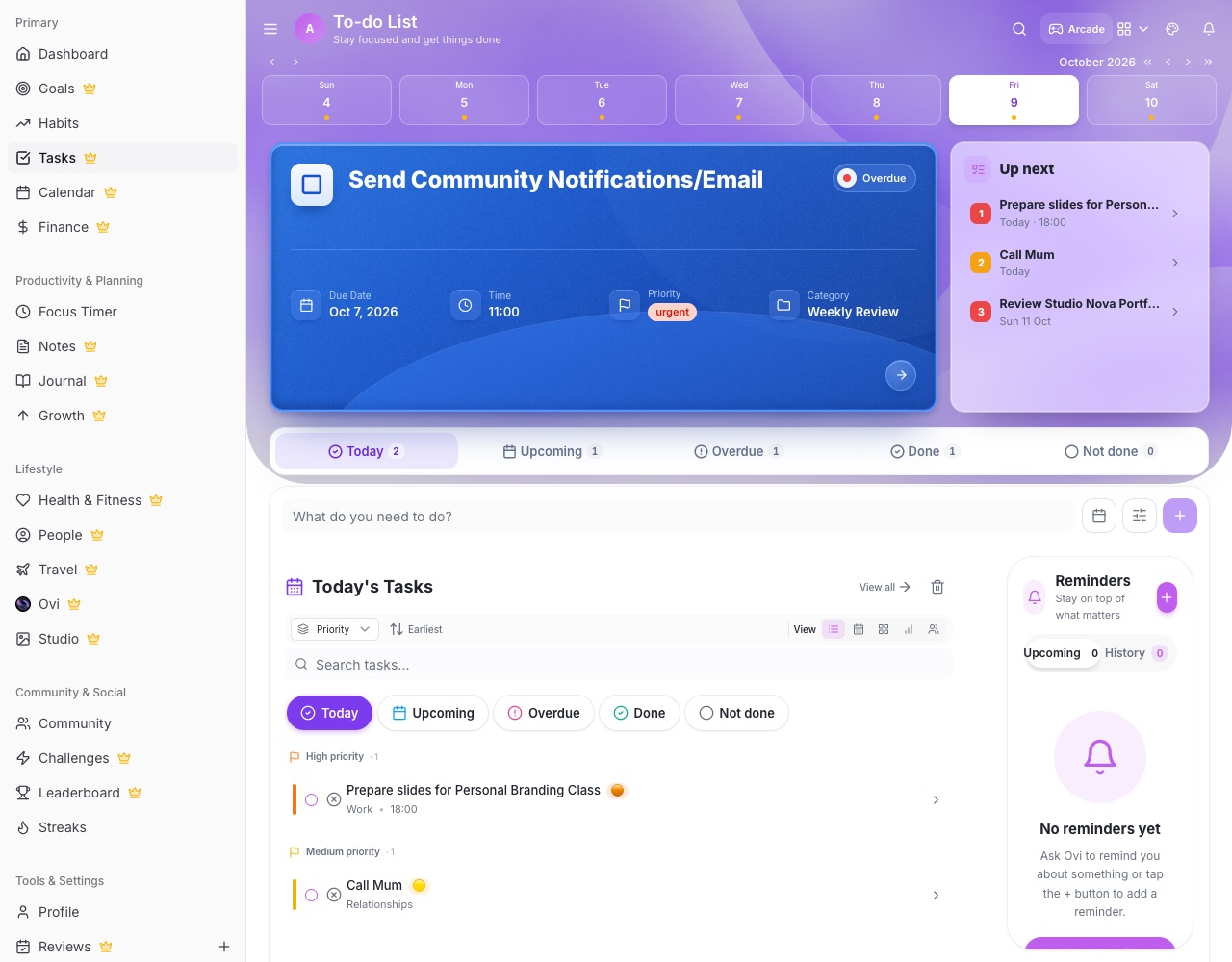
What you can do with LifeO
Assign to one or many
Search your team and tick everyone who owns the task.
Statuses your team understands
Pending, approved, in progress, review, done, not done or cancelled.
List, weekly, board, table and groups
See work the way that suits you, grouped by project or person.
Recurring work
Daily to yearly repeats, so weekly reports and monthly payroll never get forgotten.
Comments and @mentions
Discuss the task on the task, with notifications for anyone you mention.
Progress summary
Tasks created, completed and not done by day, week, month or year, and your top contributors.
How it works
- Create your business and invite your team.
- Add tasks and assign owners.
- Track status and comment as you go.
- Check the progress summary each week.
Questions people ask
Do assigned tasks show in each person's own to-do list?
Yes. Assignees get a linked copy in their personal Tasks, and ticking it off updates the Business task.
Can a task belong to a project?
Yes. Link a task to a project and even to a phase of its timeline.
Will my team get reminders?
Yes. Assignees get reminders a day before, an hour before and when the task is due.
How much does it cost?
LifeO for Business is $2 per team member a month.
Guides
More from LifeO
- Habit tracker app
- Goal setting app
- Budget app for Nigeria
- Daily planner app
- Family organizer app
- AI life assistant
- Finance tracker app
- To-do list app
- Calendar app
- Productivity app
- Business management software
- CRM for small business
- Invoice generator
- Focus timer app
- Journal app
- Notion alternative
- Todoist alternative